
How to Enroll for Benefits
Open Enrollment Presentation
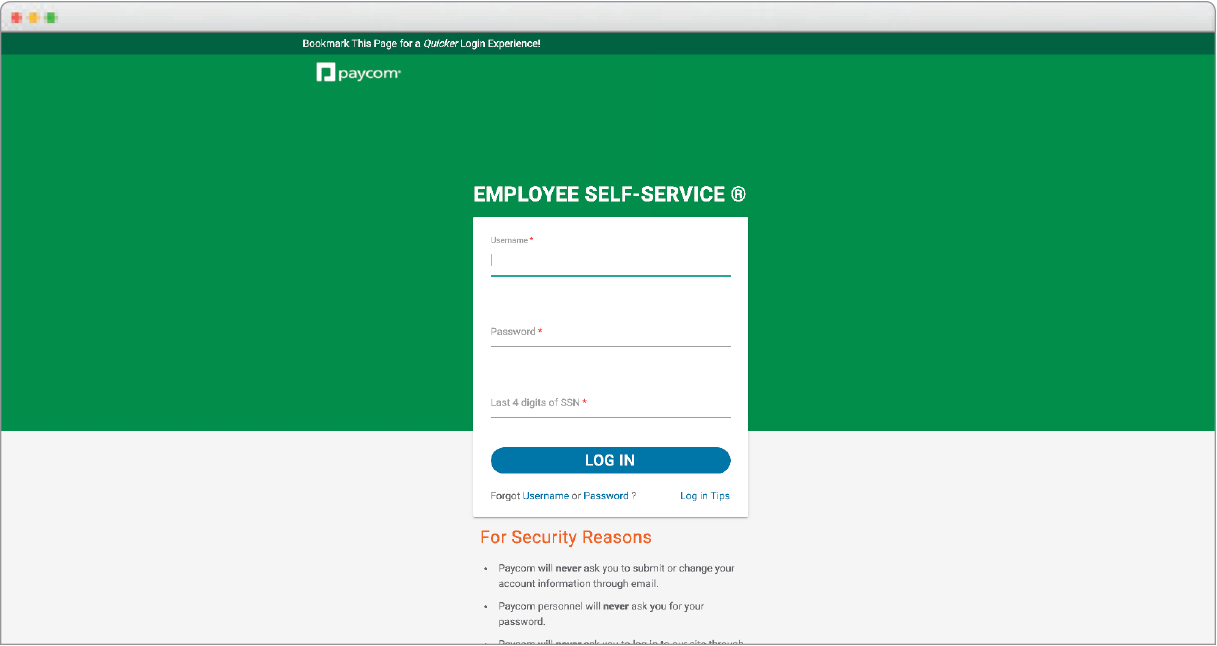
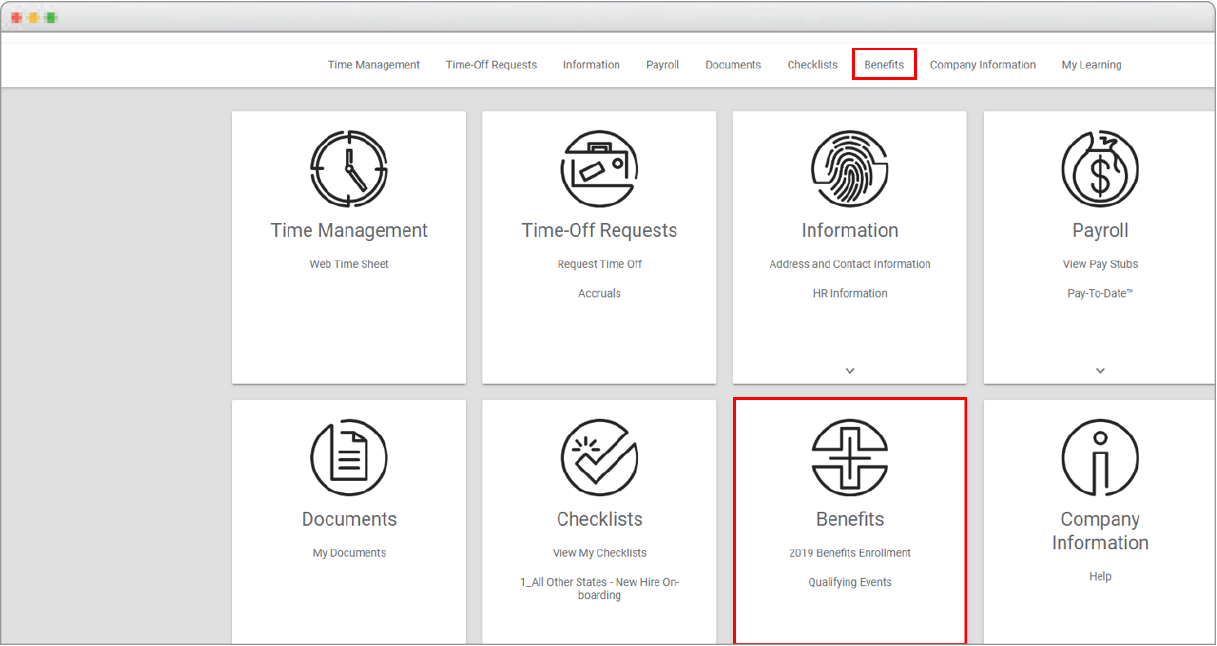
Step 1: Log on to Our Online Enrollment System

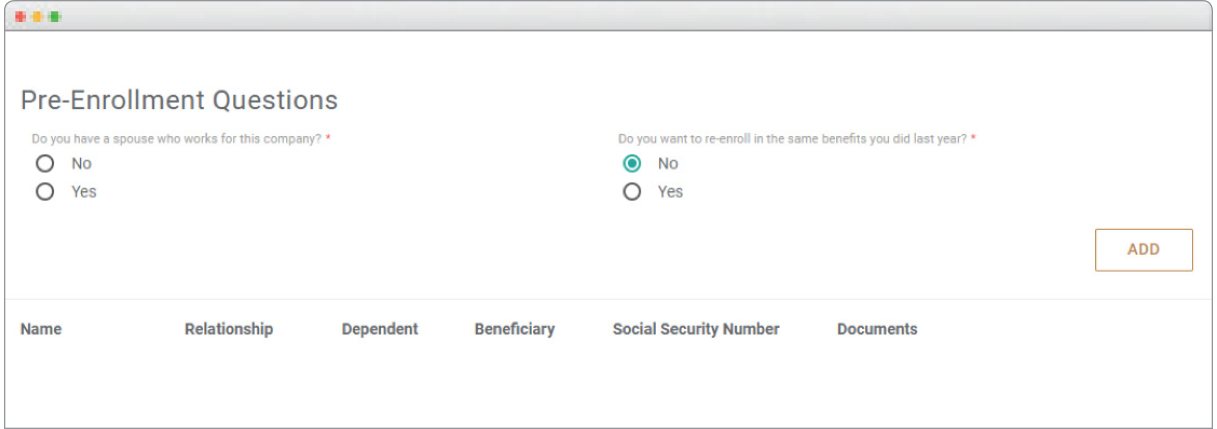
Answer the Pre-Enrollment Questions
You may add your dependents by clicking the “Add” button.
Enter in your dependent(s) name, relationship, date of birth, SSN and dependent address.
After completing this information, click “Save and Next”.
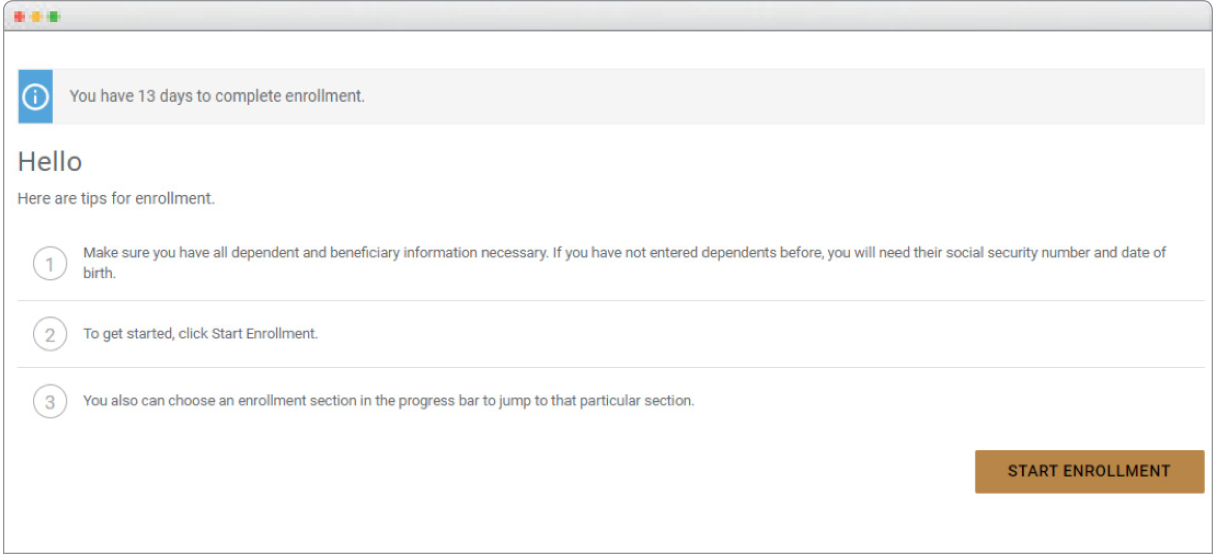
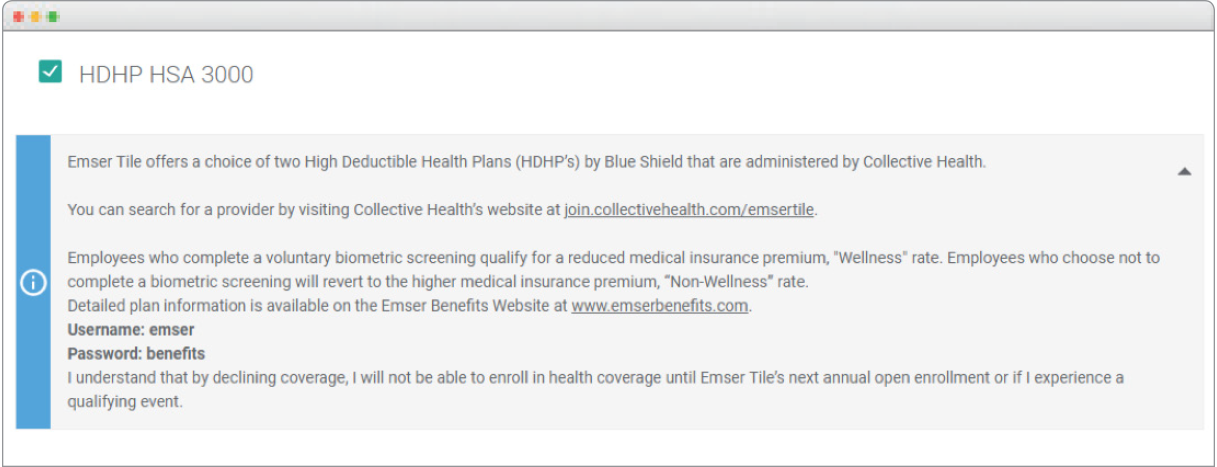
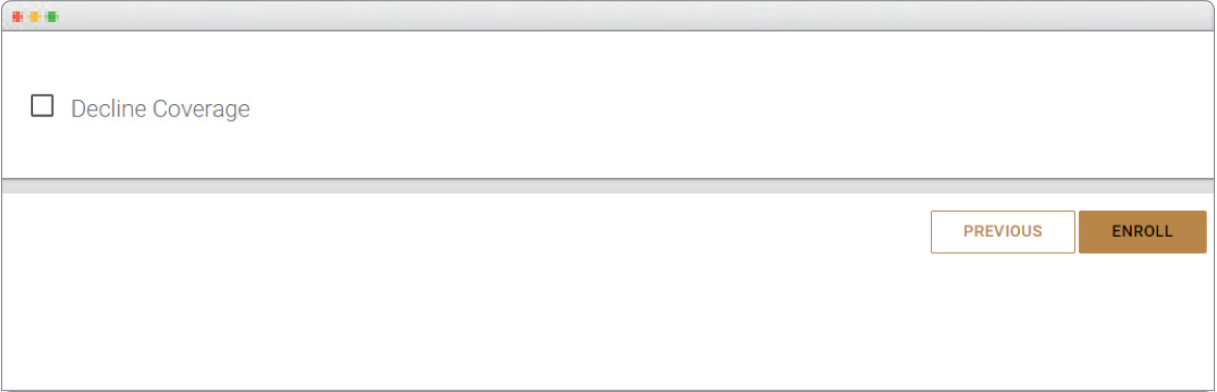
For the Life Plans, you will be required to enter your beneficiary information. Please have your beneficiary’s relationship, full name and address available to enter into the system.
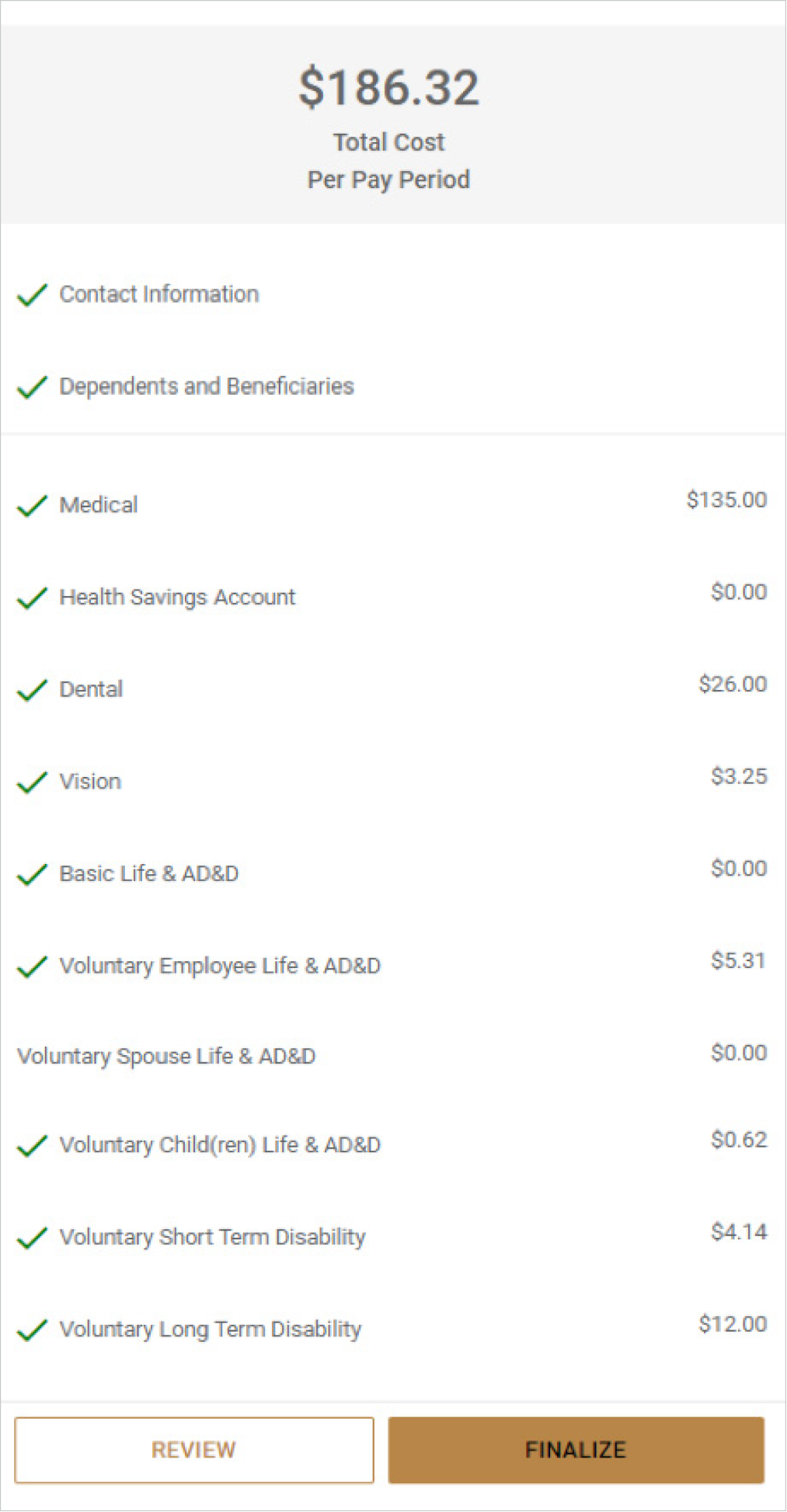
On the “View Detailed Enrollment” page, click “Finalize” to complete your enrollment or “Review” if you would like to review or change your elections. When you are finished, print your confirmation page.
Once approved, you can view your benefit elections and coverage start dates by logging into Paycom. Hover over “Benefits” then select “Current Benefits”.
-
Eligibility
Click the button below for more information about when you and your dependents become eligible for coverage.
Eligibility -
Enroll Now
Ready to enroll? Click the button below to access the Paycom online enrollment system and make your plan selections.
Enroll Now